
Make your own subliminal audio.
Turn one personal goal into a subliminal you can keep. Follow the guided setup, read every affirmation, choose your voices and music, then download your track.
Explore the demo without an account.
150 welcome credits for your own words and voices. No card needed.
Studio Video Guides
Start with the 36-second tour, or choose a phase to see its controls in action.
The 5-step Studio tour
The video could not load. Open the video directly or choose another guide.
Your words can become your own subliminal audio. Follow the 5 steps in Subliminal Studio: Script, Voices, Music, Mix and Export. This tour uses the prepared Confidence demo.
Read the video transcript
Your words can become your own subliminal audio. Here's the workflow in Subliminal Studio. Start in Script: write your affirmations or edit an AI draft. In Voices, choose who reads them and generate the speech. Pick your background in Music. Then open Mix to balance the voices and any extra layers. In Export, set the length and file format, preview your program, and download your finished track. Explore the demo, then create your own.
23 videos
No video shows “” yet. Try the written Studio guides, or browse every video.
 The 5-step Studio tourStart0:36
 Try the demo before signing upStart0:27
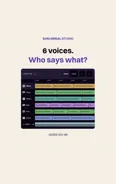 Split or Full: who reads each line?Voices0:38
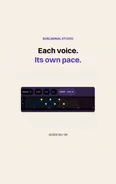 Set the speed of your voicesVoices0:30
 Place your voices in stereoVoices0:34
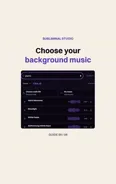 Choose music for your subliminalMusic0:29
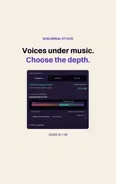 Set the voice depthMix0:30
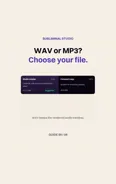 Choose WAV or MP3Export0:36
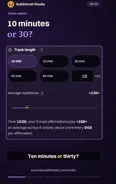 Choose your listening lengthExport0:17
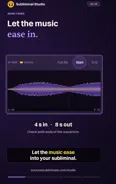 Soften the start and endingExport0:19
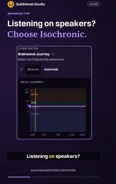 Choose tones for headphones or speakersMix0:18
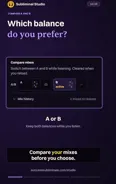 Compare 2 mixesMix0:21
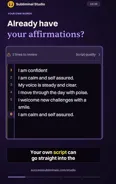 Bring your own affirmationsScript0:21
 Check your track before exportExport0:21
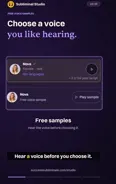 Preview a voice before choosing itVoices0:16
 Use your own musicMusic0:19
 Save a script for next timeScript0:21
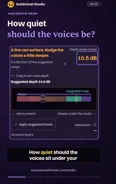 Balance the voices under musicMix0:16
 Add movement to your voicesVoices0:20
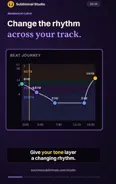 Shape a changing tone layerMix0:23
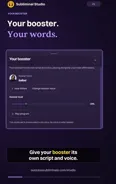 Give your booster its own voiceVoices0:23
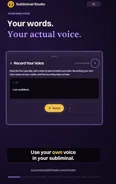 Use your own voice in your subliminalVoices0:24
 Set a sleep timer for your subliminalStart0:24
From One Goal to a Finished Track
Follow the 5 phases below, from your first affirmation to a WAV or MP3. The Brainwave and Silent views show the optional layers inside Mix.
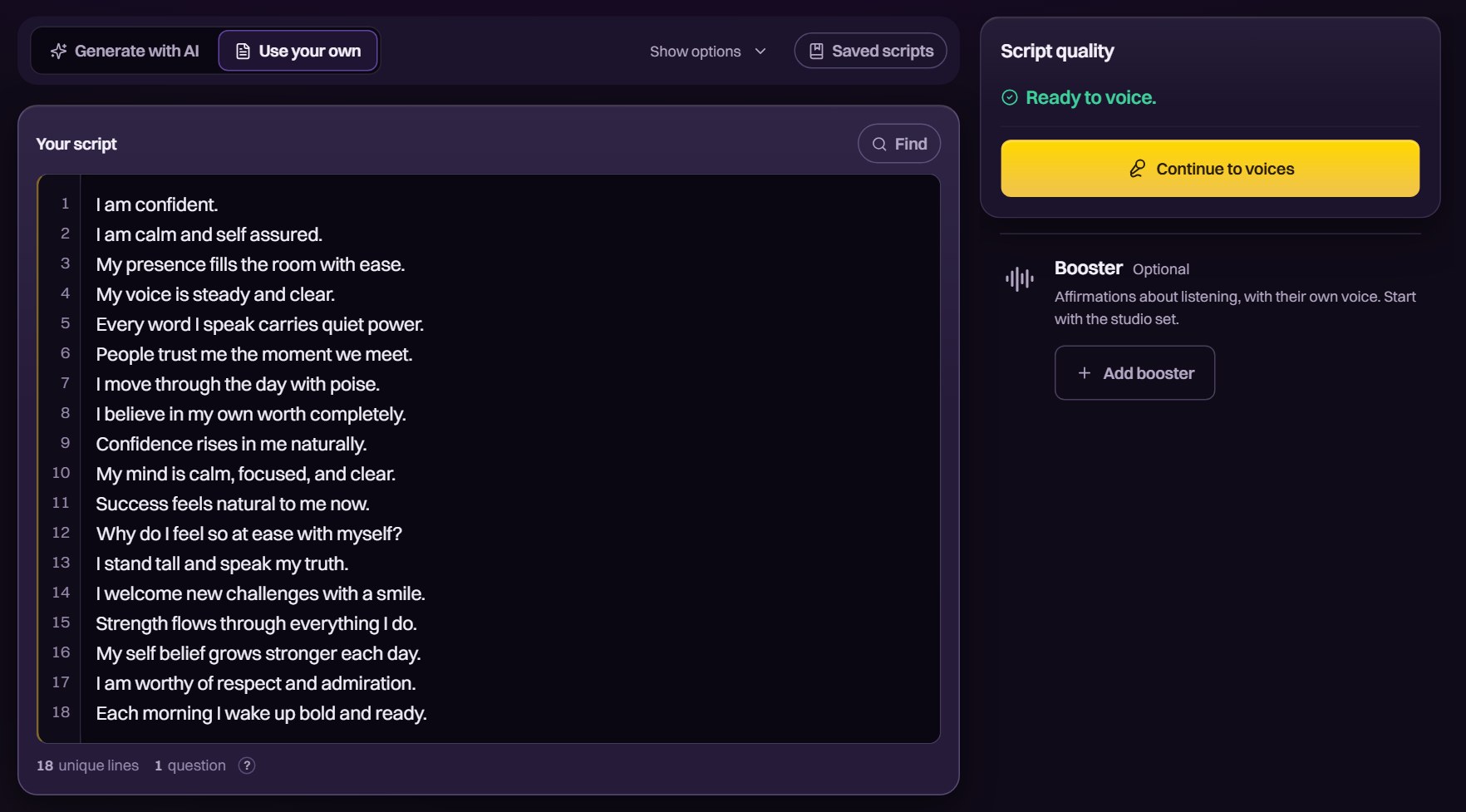
Write it, or let the AI draft it
Write your affirmations one per line, paste a script, or describe your goal to the AI. The AI follows our positive-only writing rules. Read and edit every line before moving to voices.
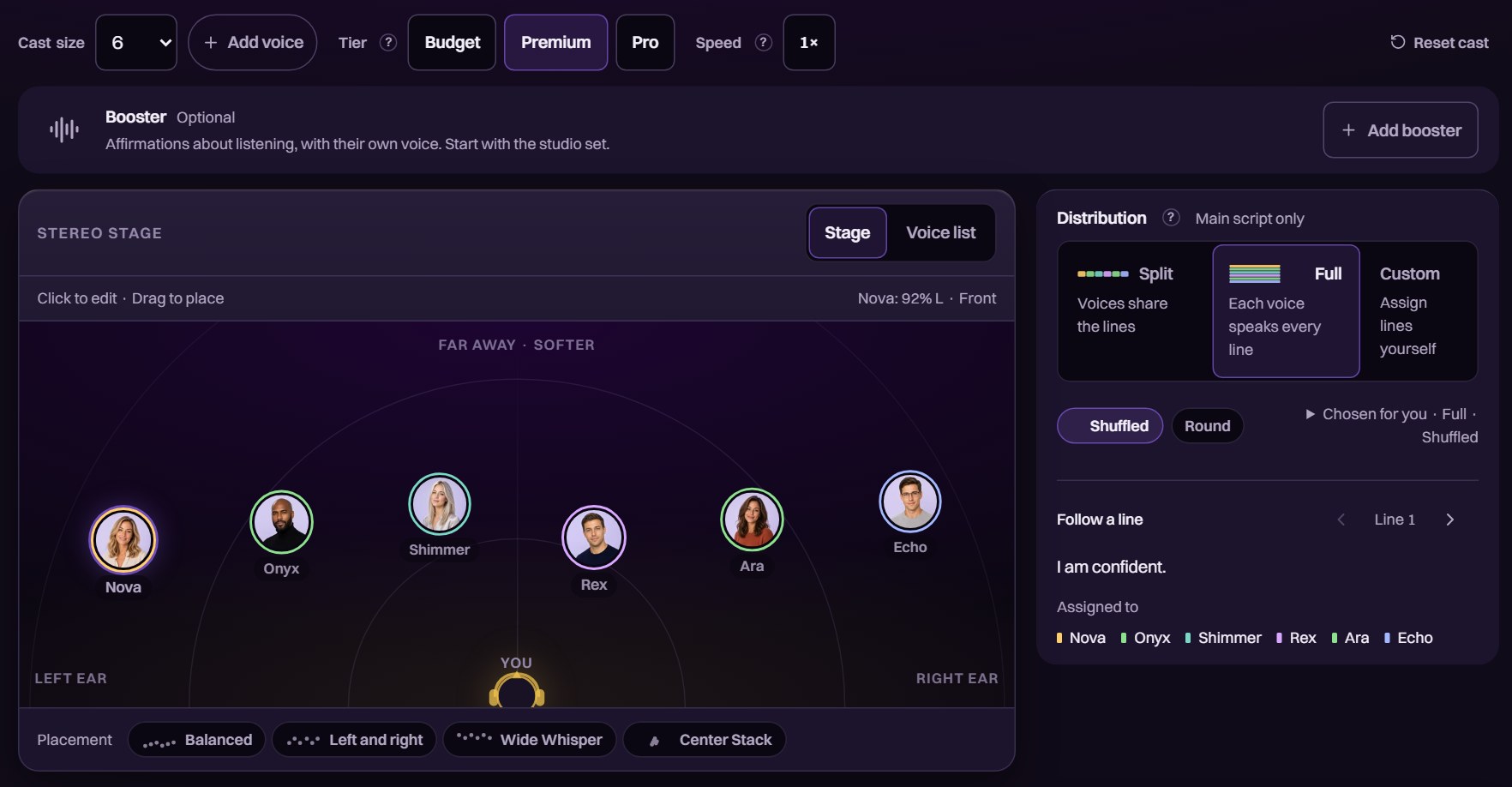
Choose your voices and place them around you
Choose from 40+ studio voices or record your own. Place each voice on the stereo stage, then choose whether they share the script or each speak every line.
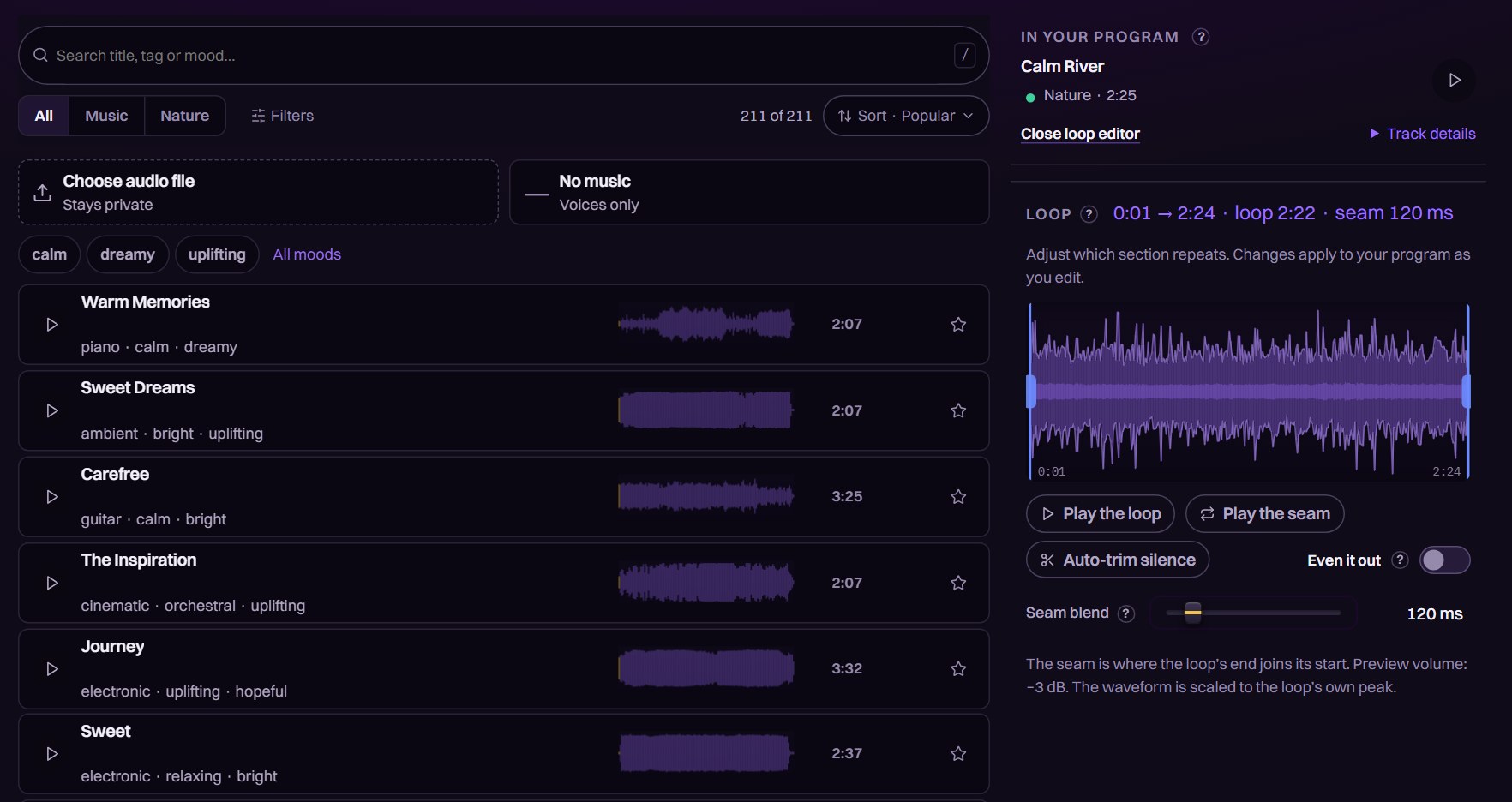
Choose music for your track
Preview 200+ music and nature tracks, or use your own audio. Add a track to your program and set the section that loops underneath your voices.
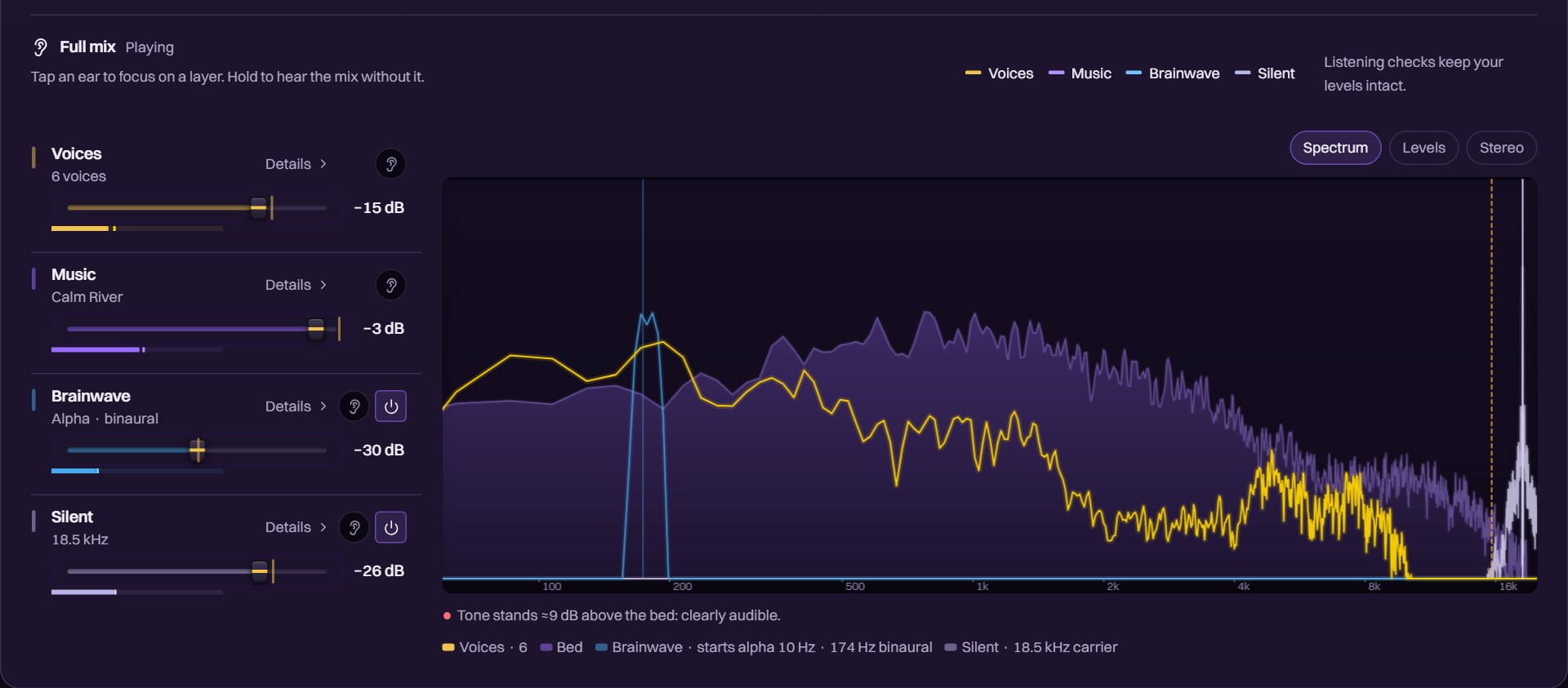
Set the balance while you listen
Adjust voice depth under the music, then listen to each layer on its own. Separate faders control voices, music, brainwave tones and the silent layer, with a live spectrum while the mix plays.
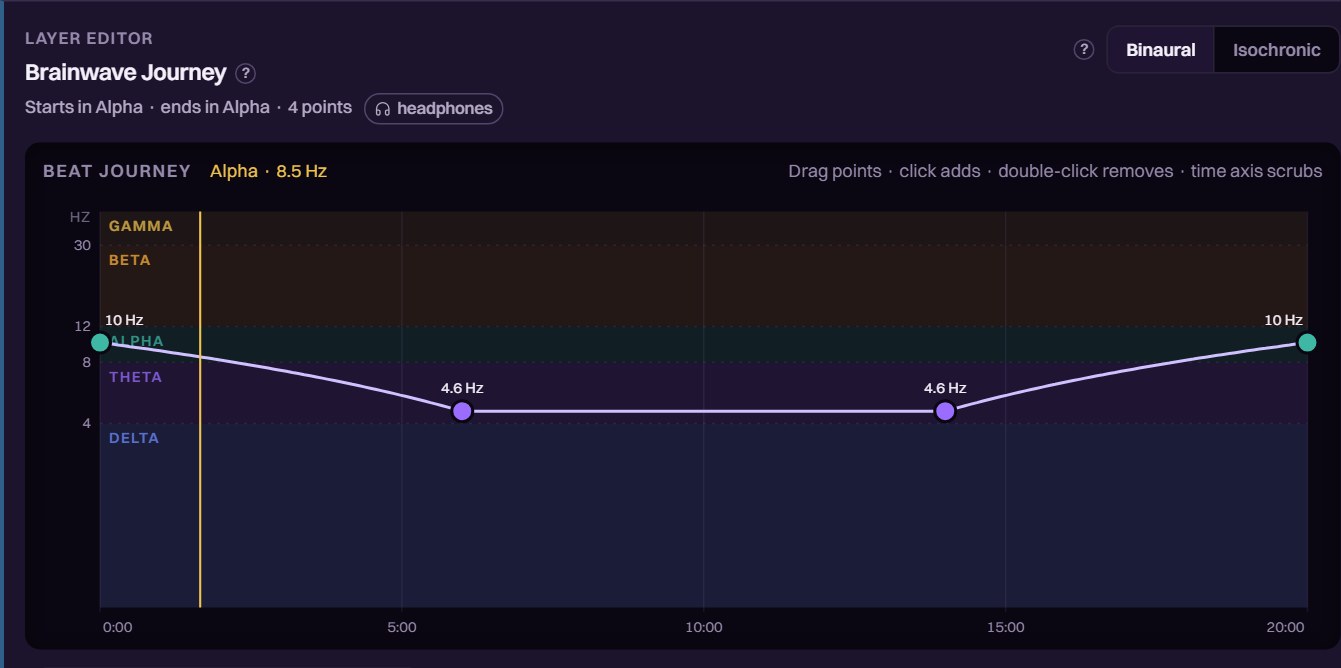
Shape the tone through your session
Choose a binaural or isochronic tone, then pick a preset or drag points to change its frequency over time. The example moves from alpha into theta and back. Binaural playback uses headphones.
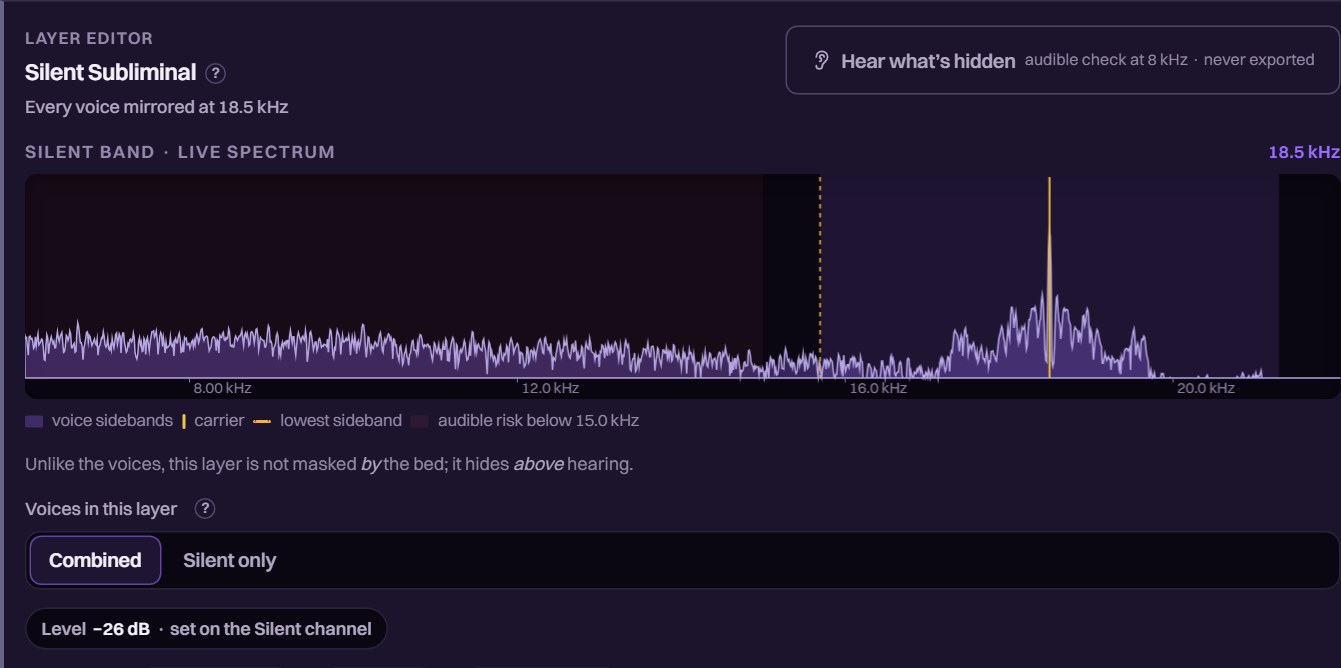
Check the words in your silent layer
Add a copy of your voices on a near-ultrasonic carrier. Use the audible check to hear the words in that layer, and keep the WAV export lossless to preserve it.
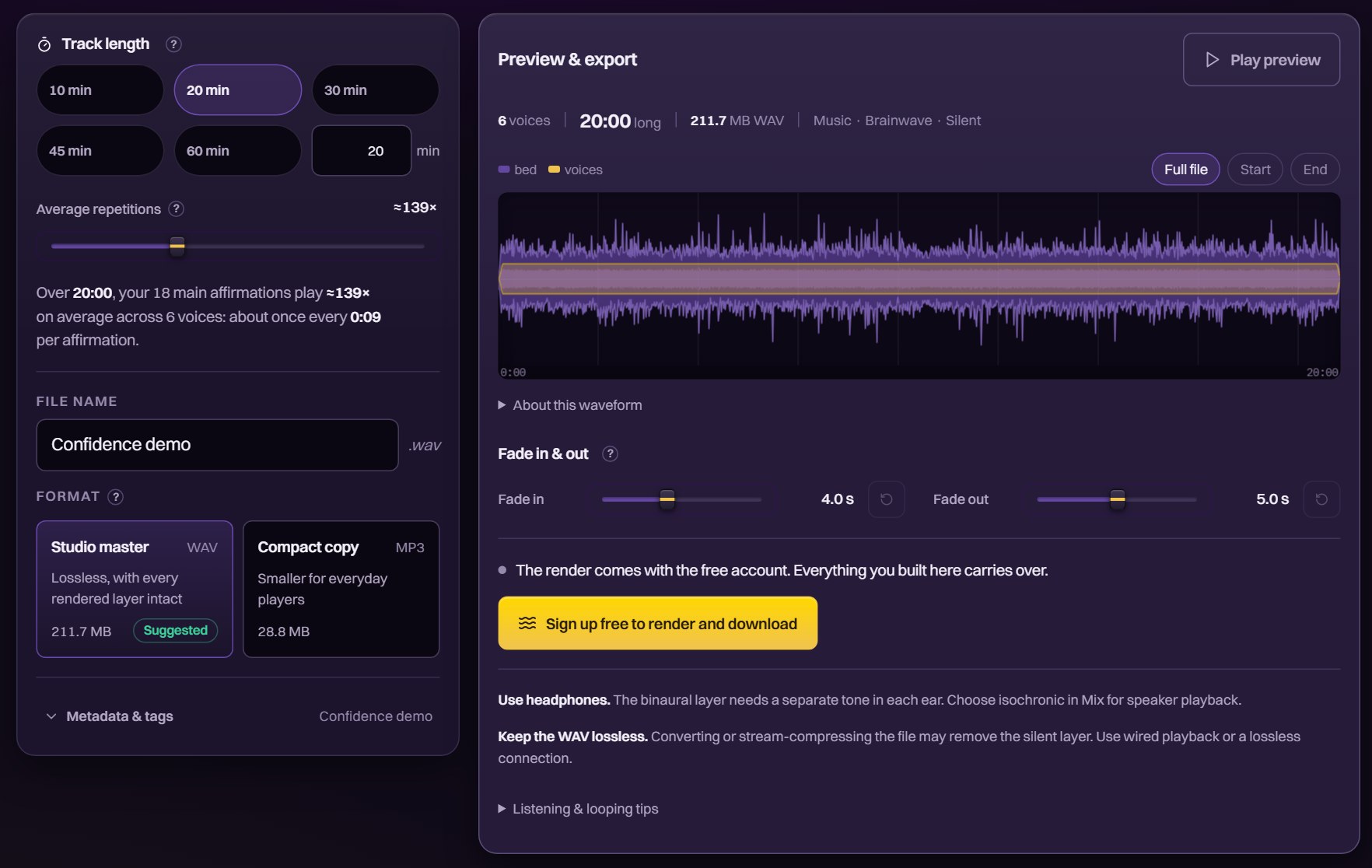
One finished file, yours to keep
Set the track length, name your file and choose WAV or MP3. Preview the mix and adjust the fades before rendering. A free account lets you render and download; choose WAV when using the silent layer.
New to subliminals? Learn how they work and see the research.
Save Your Work. Come Back to Listen.
Your own voice
Record your affirmations and mix the takes with the studio voices. Recording costs no credits.
Saved projects
Save your script and mix to your account. Reopen a project when you want to change the words or try another sound.
Listening plan
Use the built-in player, sleep timer and listening log. Choose a 21, 30, 60 or 90-day plan.
Free to Start
Use credits for AI writing and voice generation. The Studio shows the cost before you start.
Free account
$0
150 welcome credits. Begin with 50 affirmations in both “I” and “You” versions. The guided setup uses Split so your voices share the lines.
Mixing, listening and standard exports stay free.
Try the Studio FreeNo card needed
Top up when you need to
From $9.90per credit pack
The Starter pack adds 500 credits for $9.90 once. Choose it for another topic, a longer script or more voice generation. Purchased credits never expire.
Studio Membership
$14.90per month
1,000 credits each month. Unspent credits roll over up to 3 months’ worth.
What Can You Make With 150 Credits?
A focused first program, with room to make it yours.
100 spoken lines: about 58 credits. AI drafts 50 affirmations and their “You” versions. 8 Premium voices share the lines in Split.
200 spoken lines: about 118 credits. More affirmations on your topic, with the same voice setup.
Both examples use an average of 46 characters per line and Recommended AI writing. Your wording and voice choices set the actual price, shown before each run. Full mode voices the whole script with every voice and costs more.
Reuse the generated voices in a longer track, change the music or adjust the mix. Standard exports stay free. Optional server rendering is quoted separately.
Make My First ProgramReviews From Our Listeners
Customer reviews from across SuccessSubliminals.
Questions Before You Start
Can I try it without an account?
Yes. Open the Studio and choose “Explore the studio first” to try the prepared Confidence demo. Play it, change the mix and explore every phase. A free account lets you write your own script, generate voices and download your track.
What do credits pay for?
AI writing and voice generation use credits. The Studio shows the cost before you start. You can keep remixing and exporting generated audio for free. Optional server rendering costs 1 credit per track minute, with a 20-credit minimum.
Is the finished track mine to keep?
Yes. Download the finished WAV or MP3 and keep it on your device. It plays in your usual audio apps. Choose lossless WAV when you use the silent layer, so that layer stays intact.
Do I need to install anything?
The Studio opens on your computer, tablet or phone. Your projects are saved to your account, so you can return to them on another device.
How is this different from your Premium Subliminals?
A Studio track uses your own script and mix. Our Premium Subliminals are finished, hand-written programs you can download and play. The Studio uses the same positive-only writing rules when you ask it to draft affirmations.
Do I need headphones?
Use stereo headphones for binaural tones. For speaker playback, choose isochronic tones in Mix or leave the brainwave layer off. The music and voice layers work with either.
Can I change my mix later?
Yes. Reopen your saved project to change the music, levels or track length and export again. Existing voice audio stays available. New words, voices or speaking speeds can require more credits.
Can I listen while sleeping?
The built-in player includes a sleep timer for listening at night. You can also play your downloaded track in your usual audio app. Keep the volume comfortable.
How does a subliminal track work?
Spoken affirmations repeat underneath music. In the Studio, you choose the words and set how much of the voices you can hear. The script-to-audio guide walks through the process.
Hear What You Can Make.
Open the Confidence demo and try the controls. Create a free account when you’re ready to write your own track.
Try the Studio Free