
Studio video guides
20 short videos from Subliminal Studio. Start with the tour or find the control you want to try.
Choose a videoThe video could not load. Open the video directly or choose another guide.
The 5-step Studio tour
Your words can become your own subliminal audio. Follow the 5 steps in Subliminal Studio: Script, Voices, Music, Mix and Export. This tour uses the prepared Confidence demo.
Read the video transcript
Your words can become your own subliminal audio. Here's the workflow in Subliminal Studio. Start in Script: write your affirmations or edit an AI draft. In Voices, choose who reads them and generate the speech. Pick your background in Music. Then open Mix to balance the voices and any extra layers. In Export, set the length and file format, preview your program, and download your finished track. Explore the demo, then create your own.
20 videos
No videos match that search.
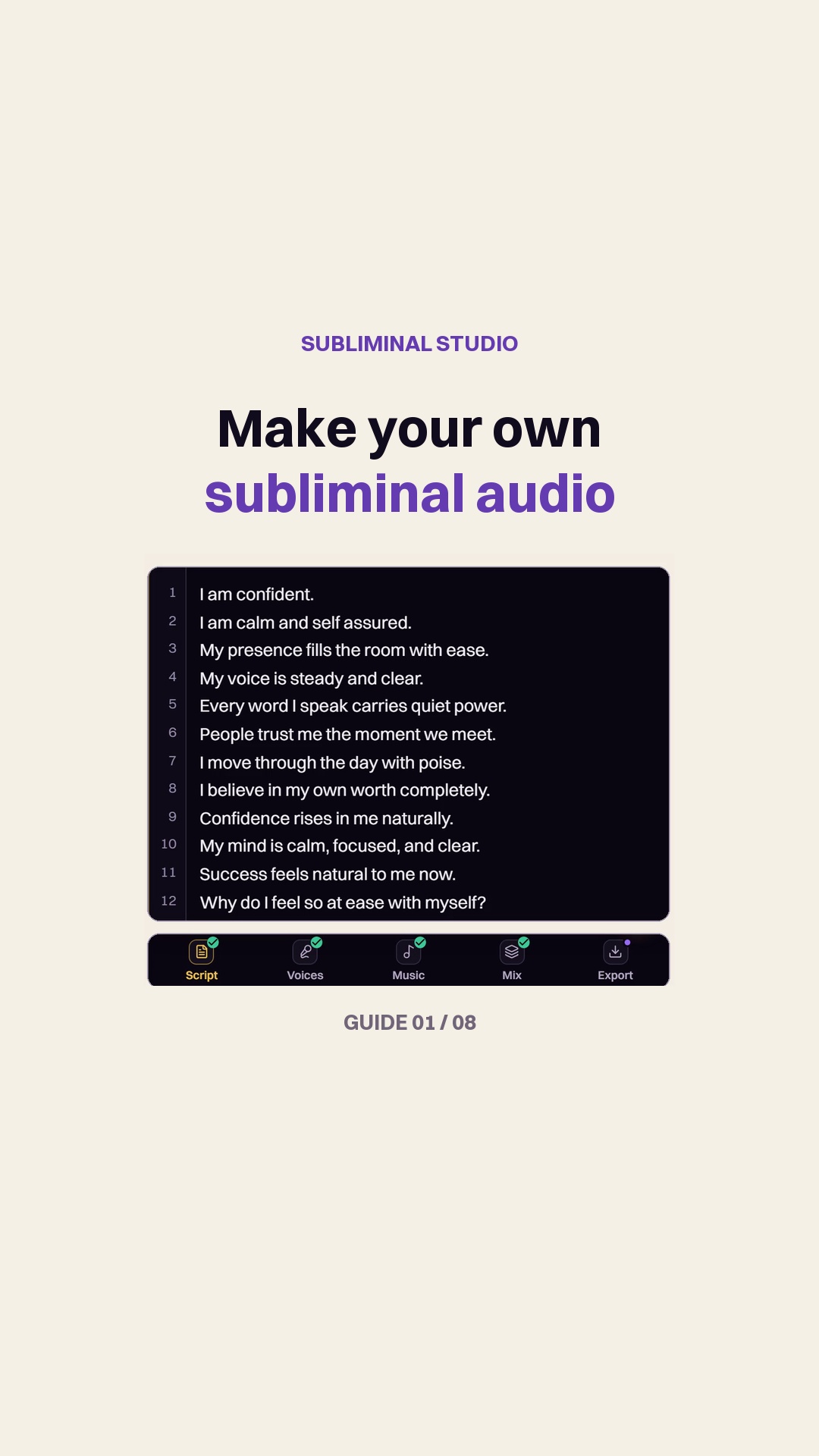 The 5-step Studio tourStart0:36
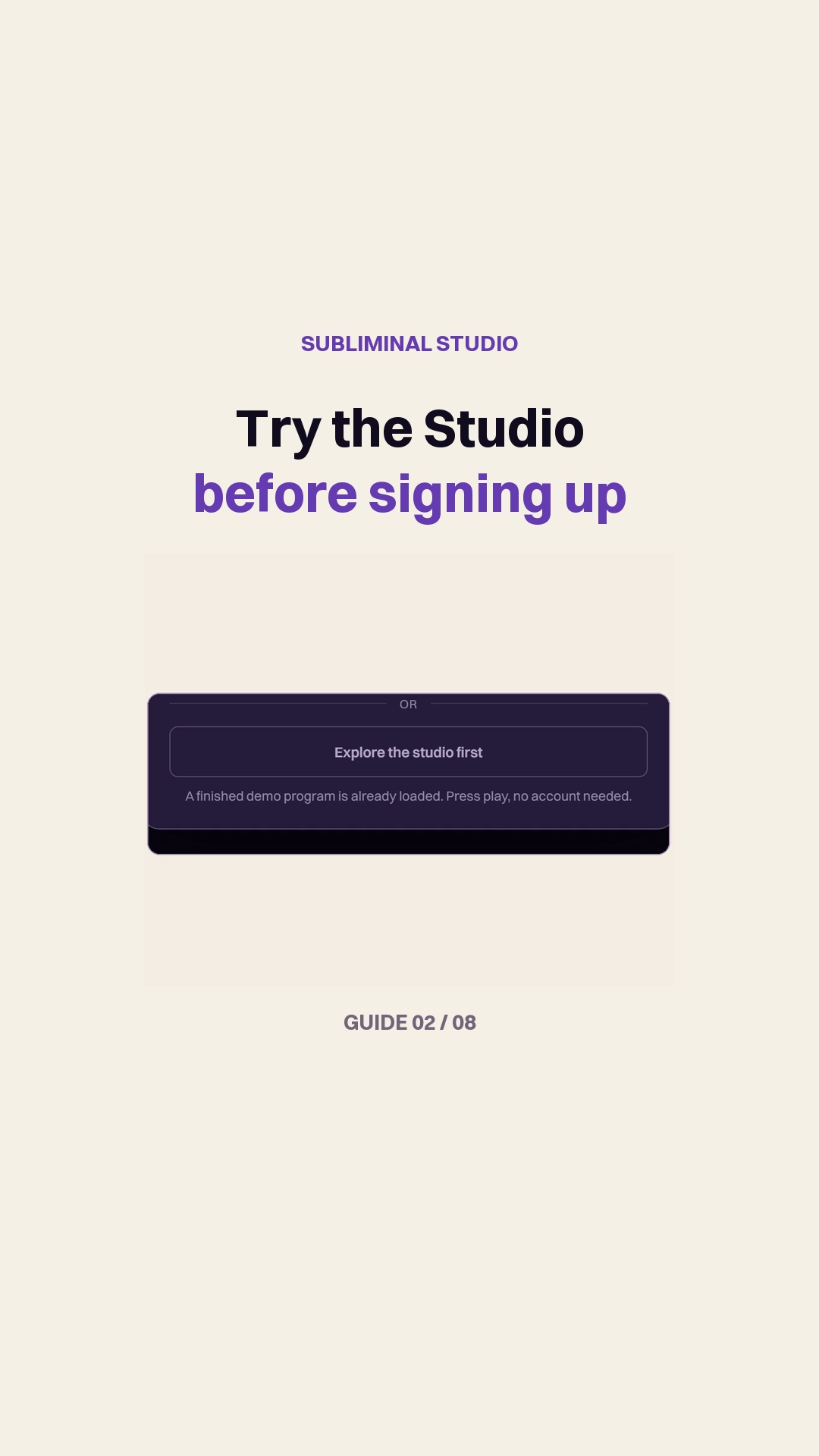 Try the demo before signing upStart0:27
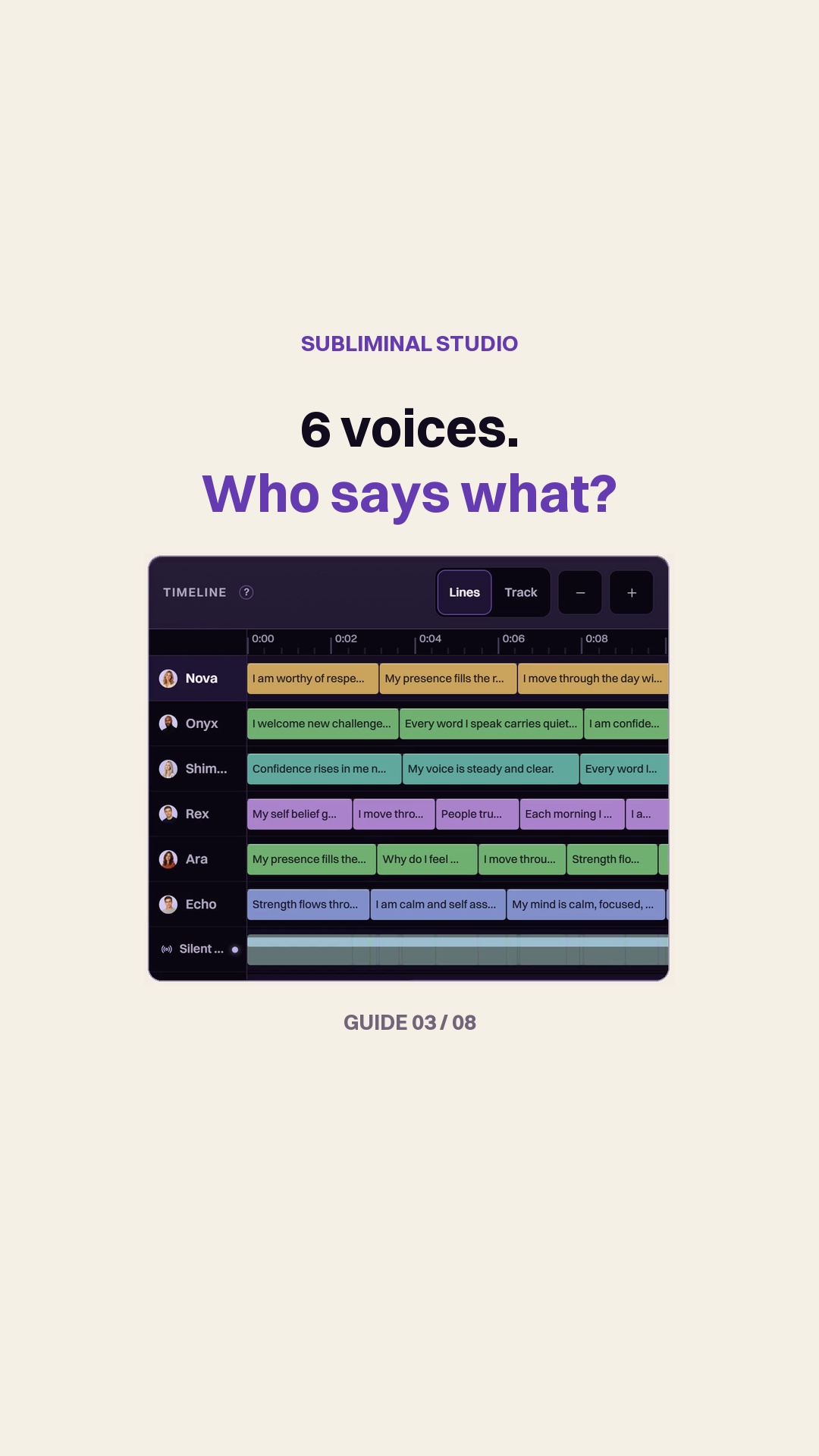 Split or Full: who reads each line?Voices0:38
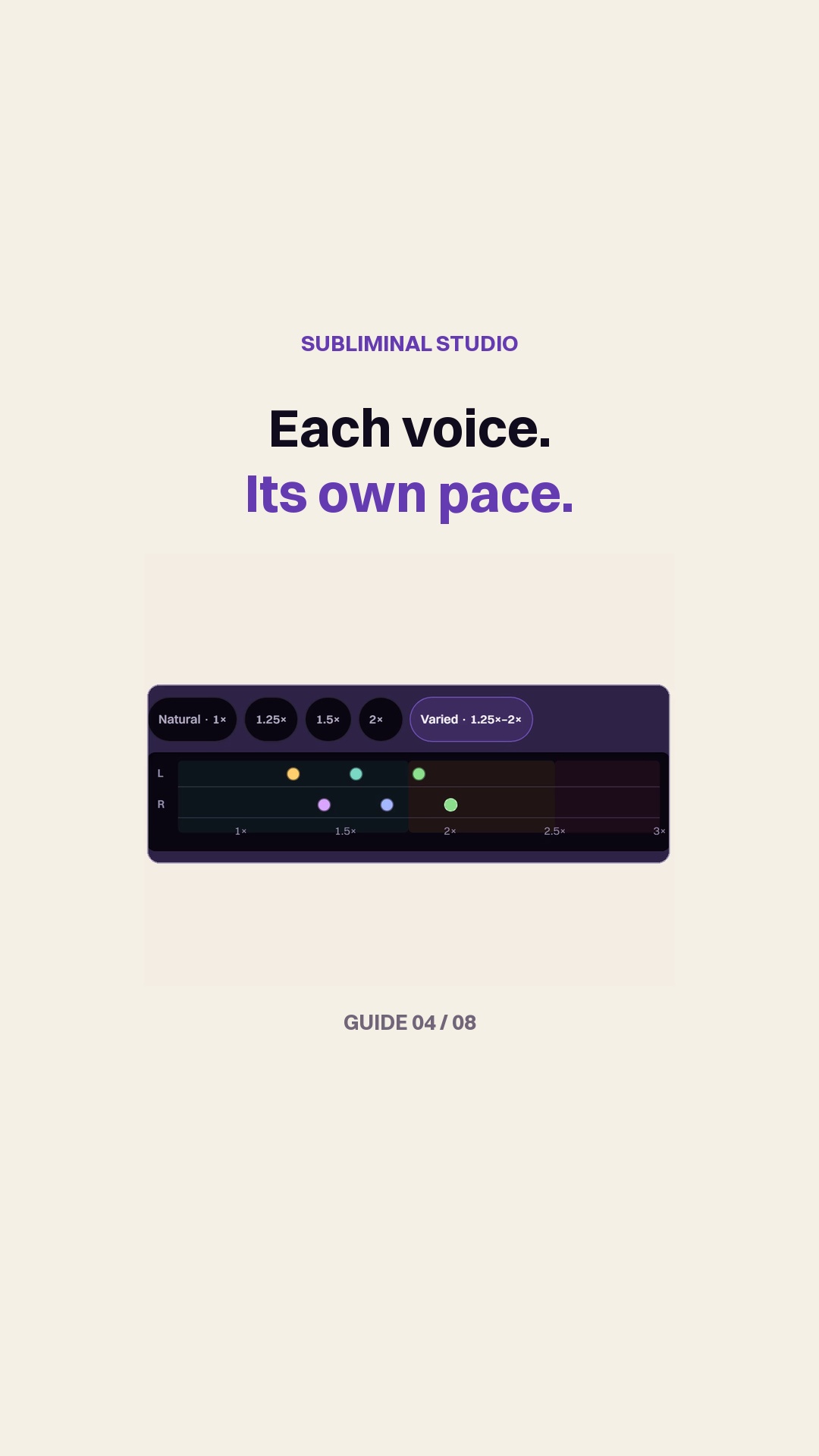 Set the speed of your voicesVoices0:30
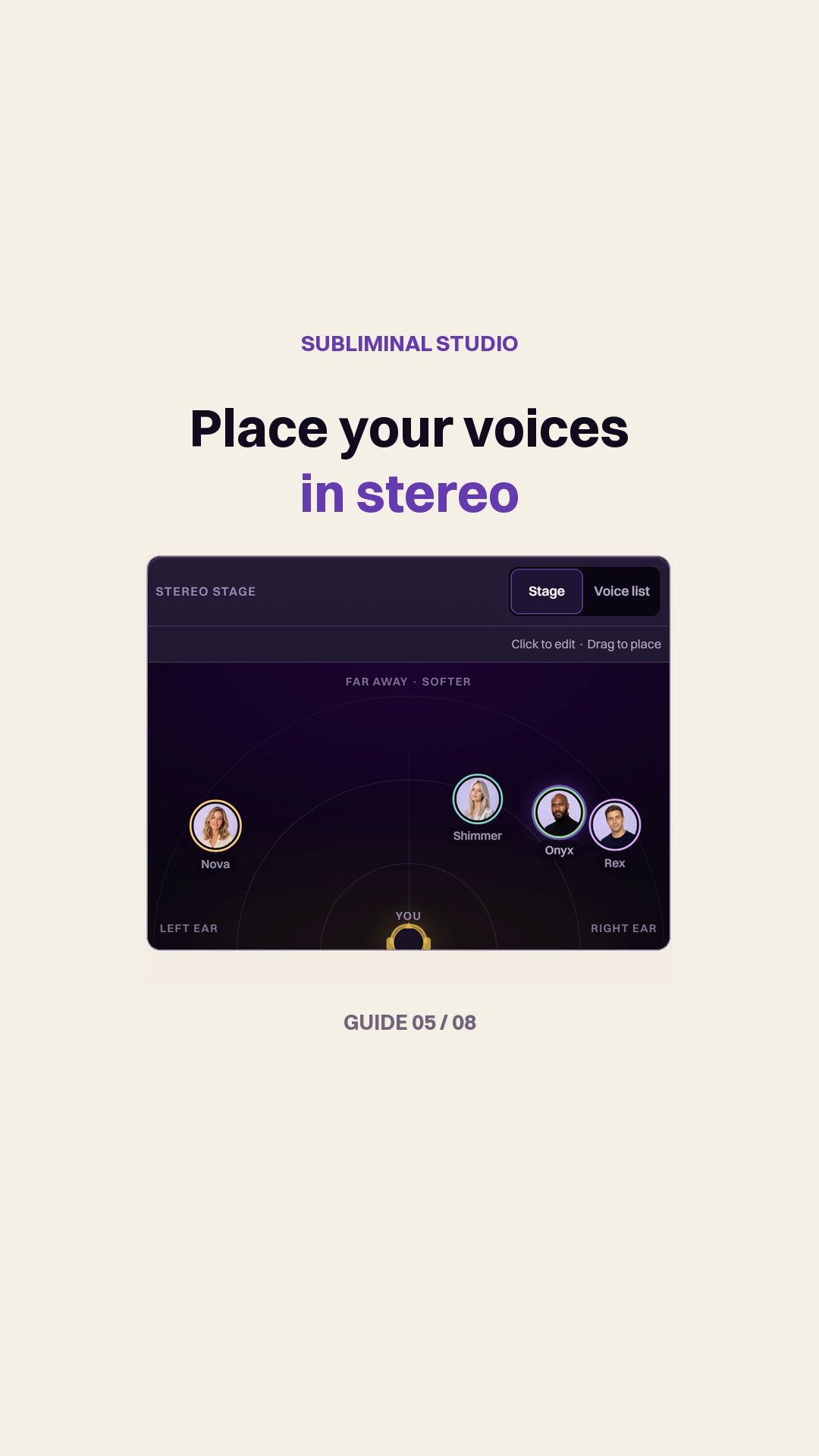 Place your voices in stereoVoices0:34
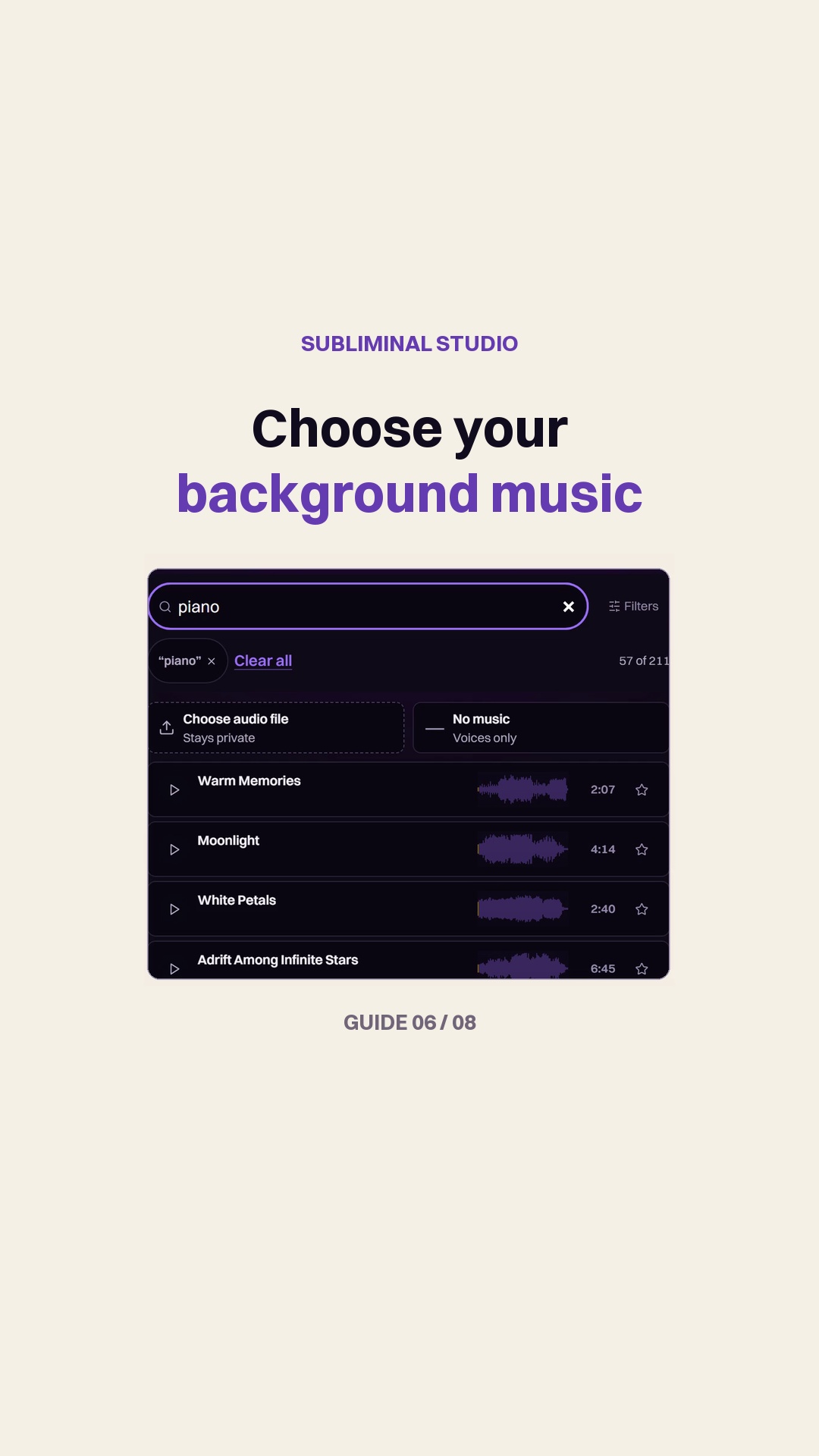 Choose music for your subliminalMusic0:29
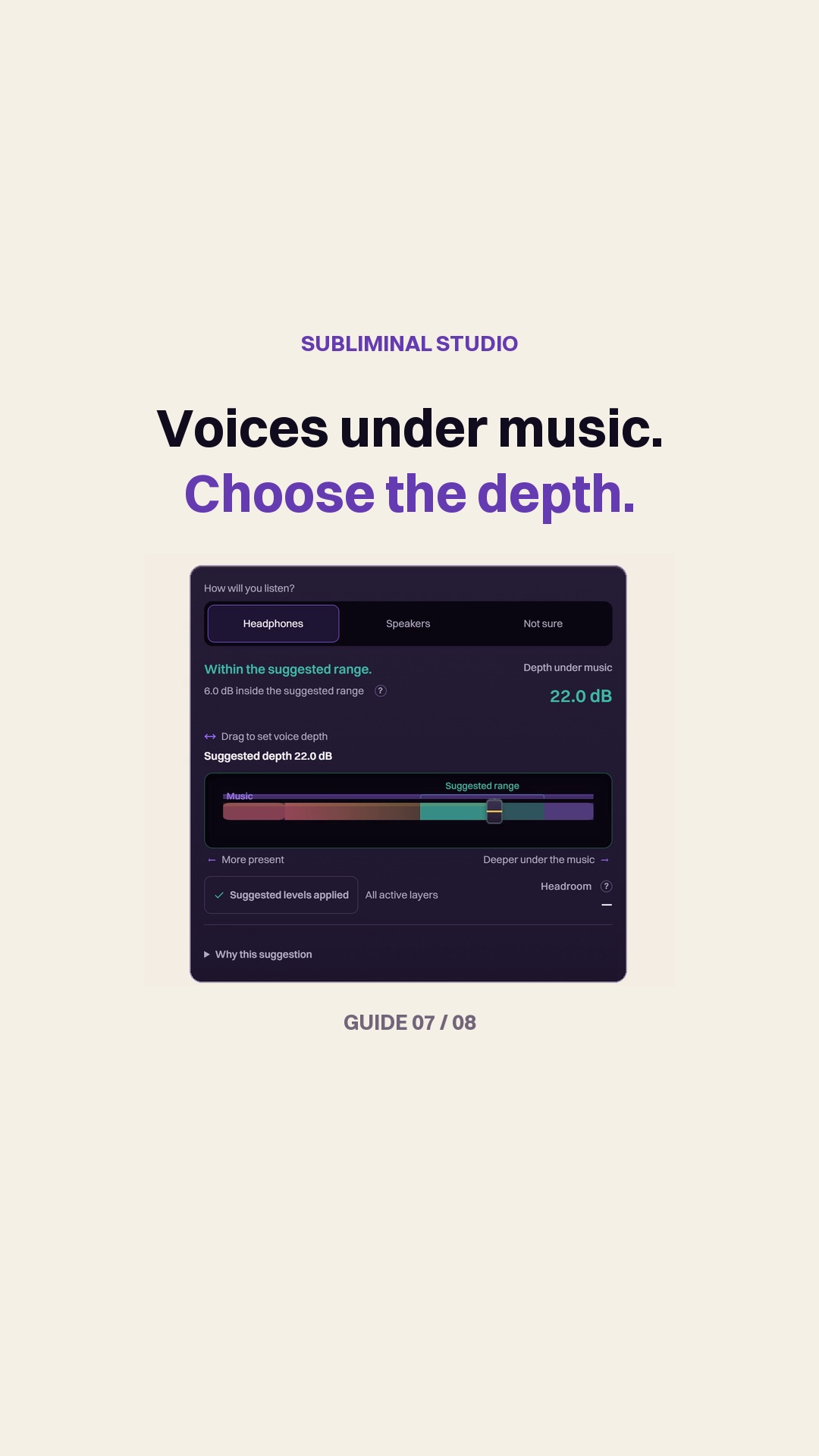 Set the voice depthMix0:30
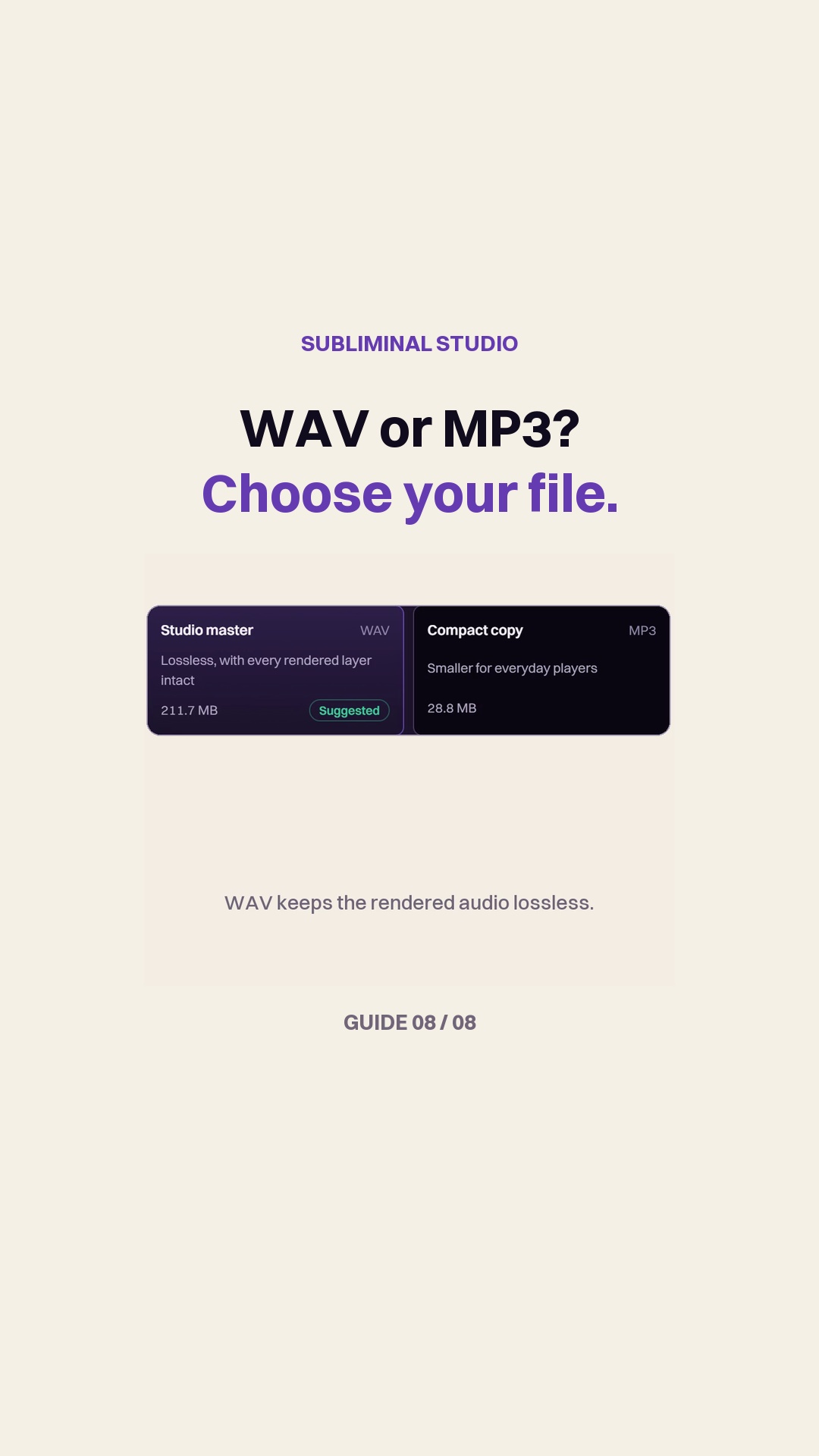 Choose WAV or MP3Export0:36
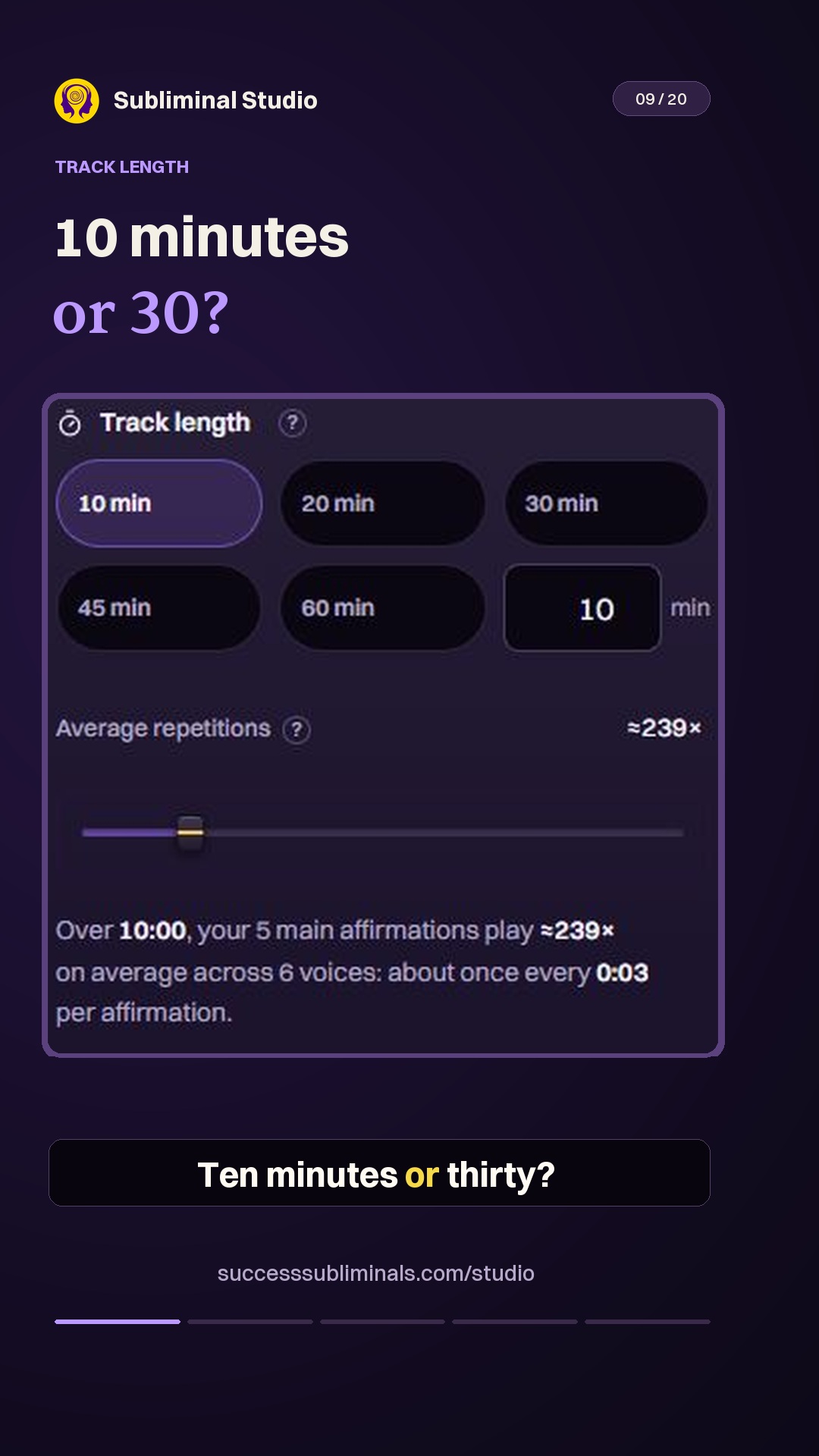 Choose your listening lengthExport0:17
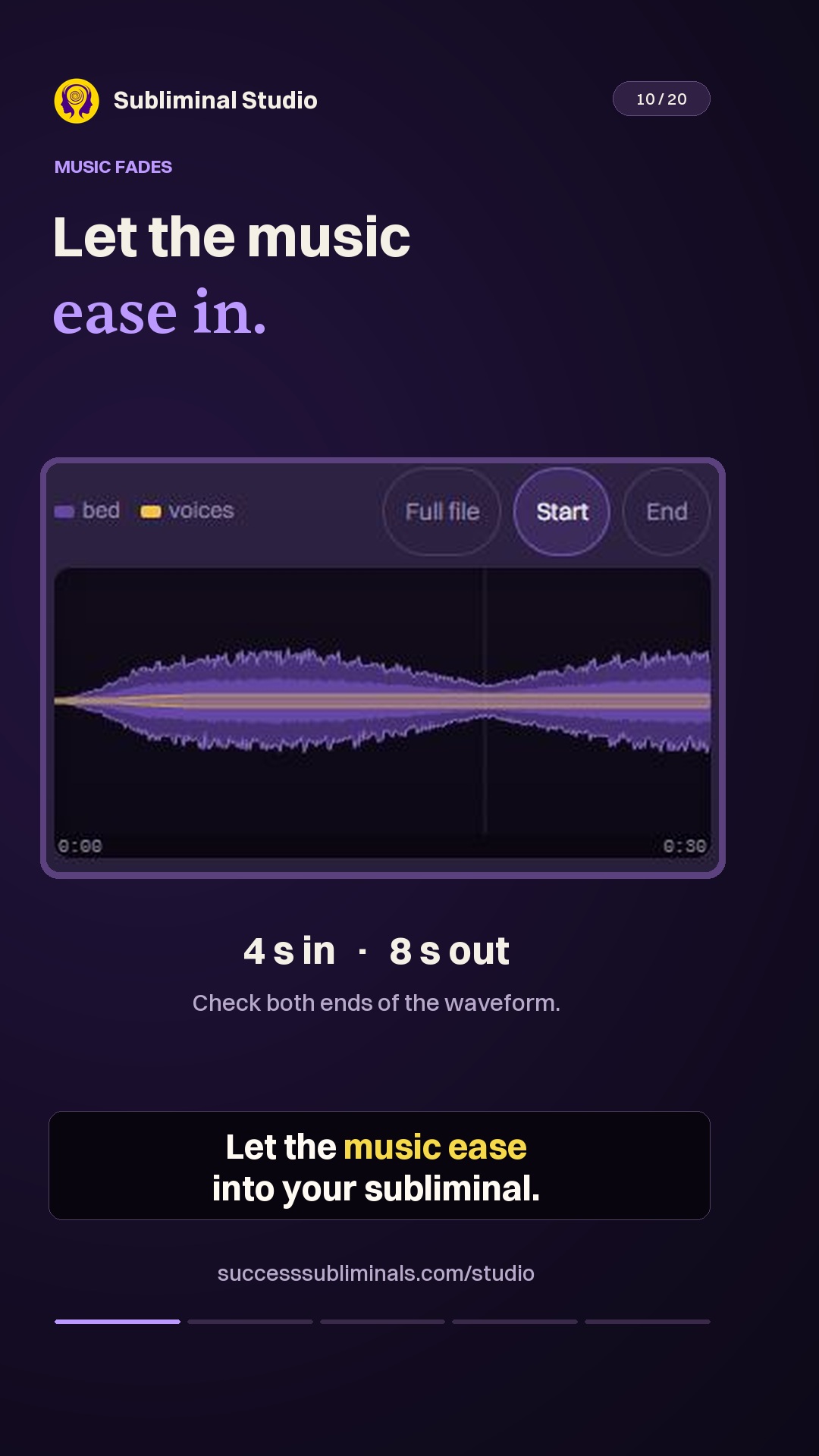 Soften the start and endingExport0:19
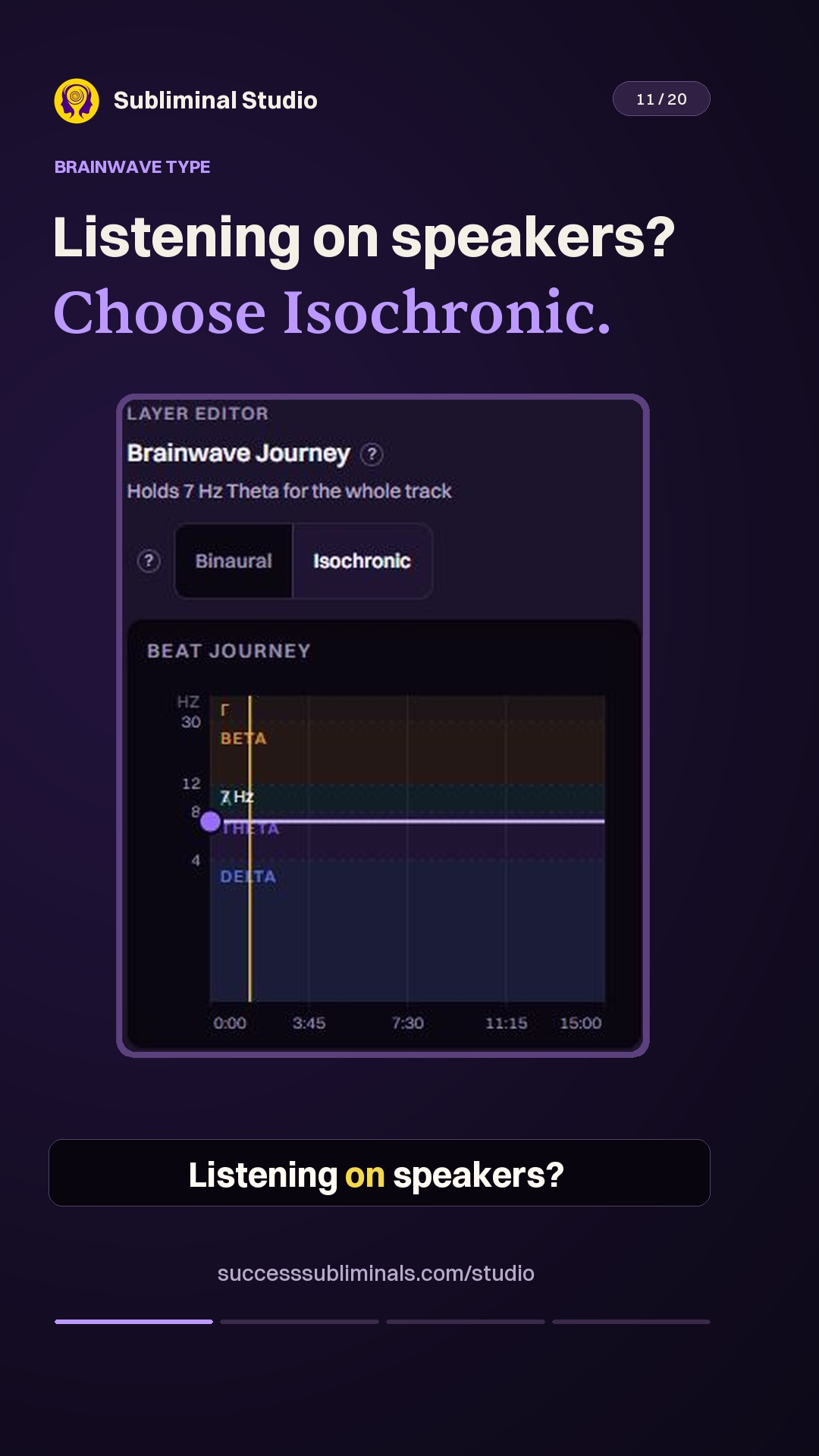 Choose tones for headphones or speakersMix0:18
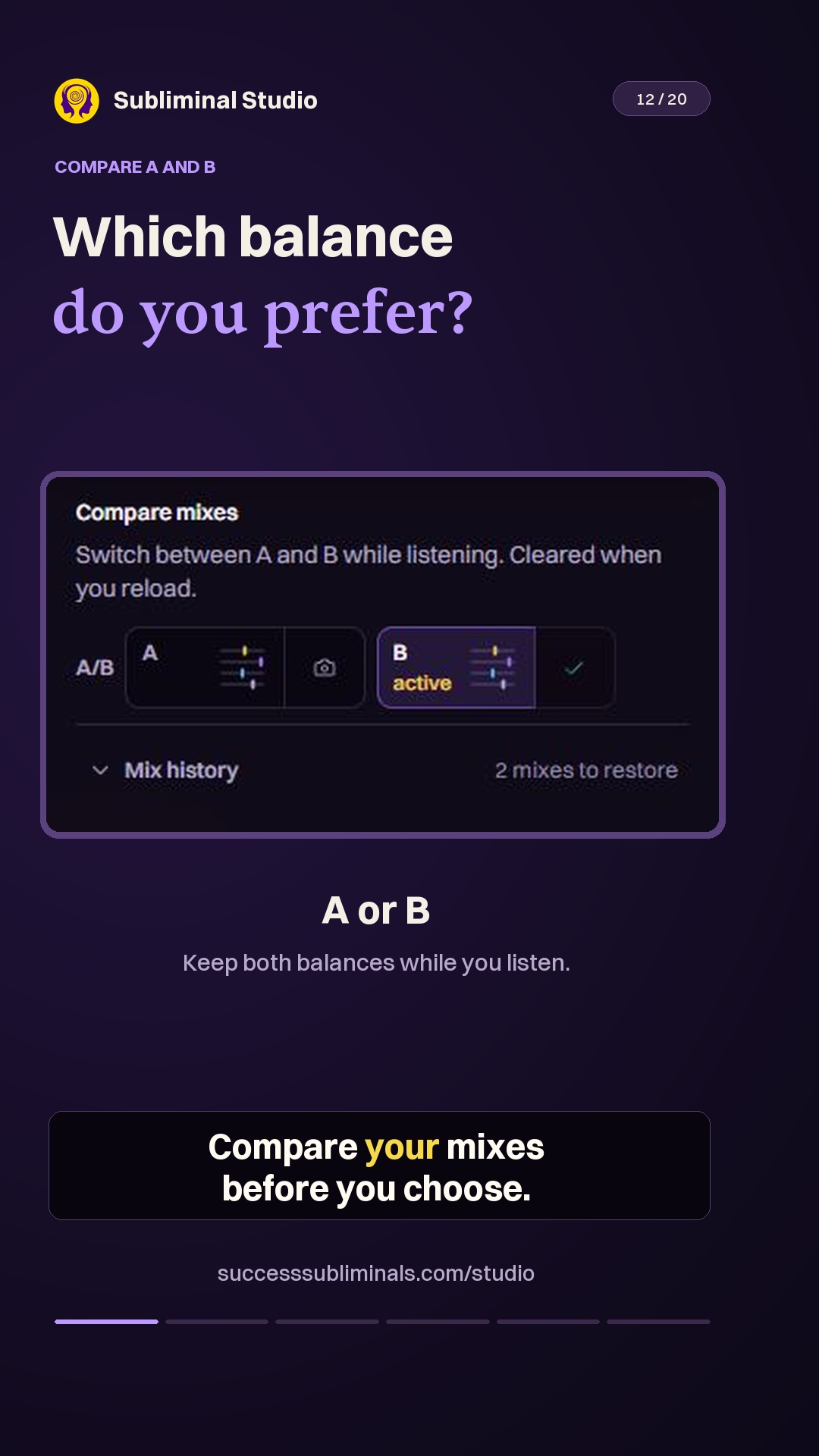 Compare 2 mixesMix0:21
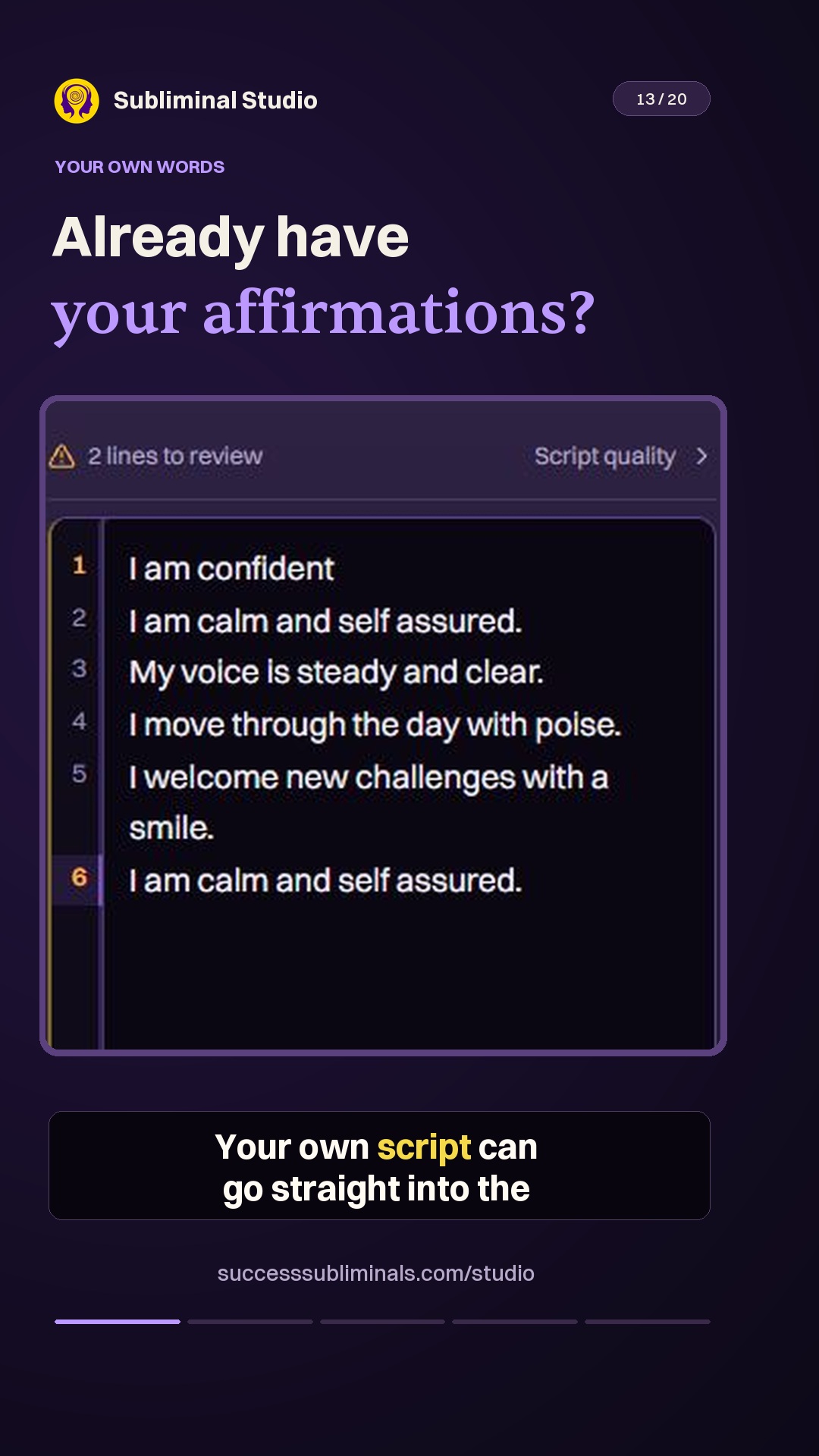 Bring your own affirmationsScript0:21
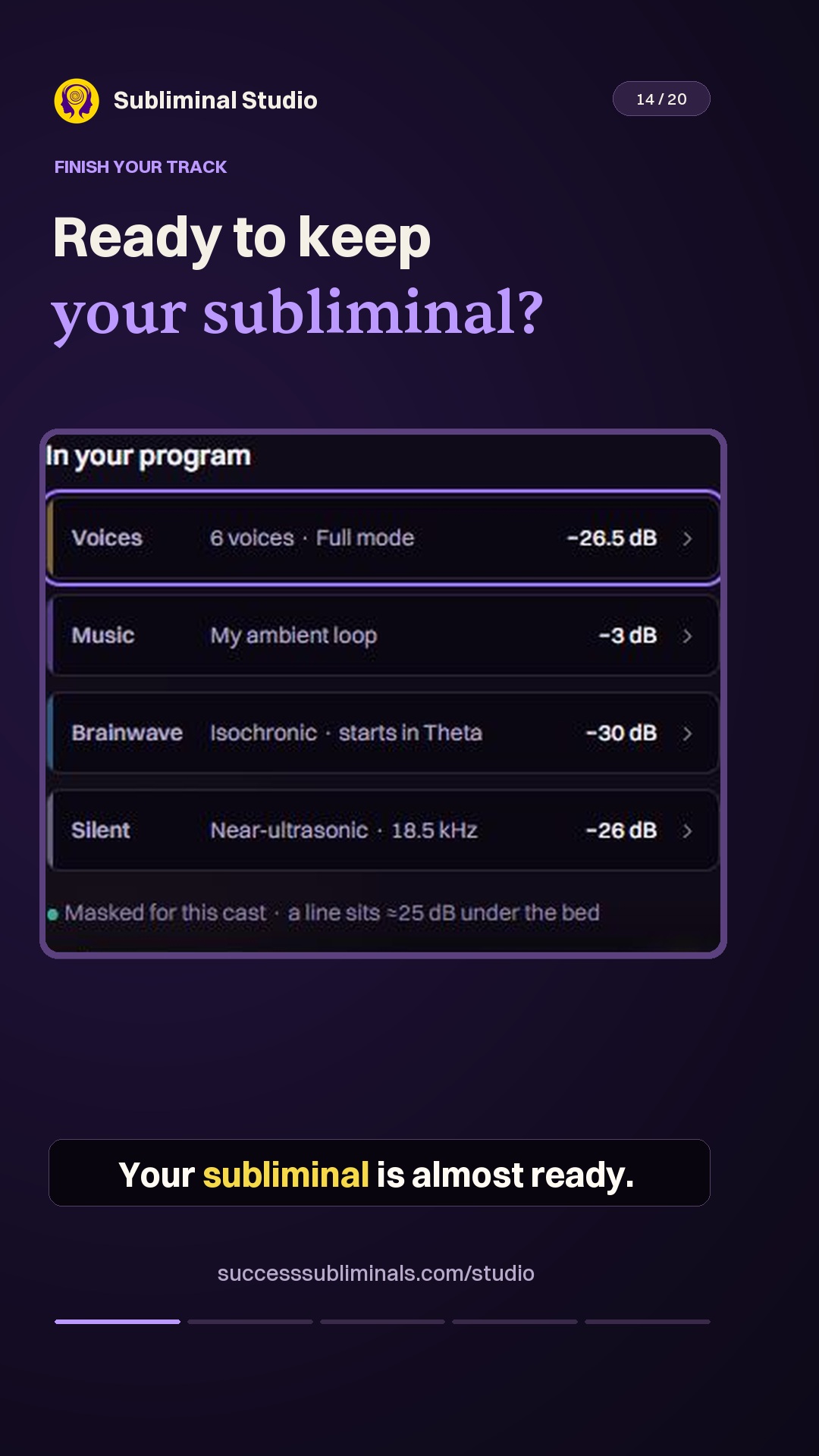 Check your track before exportExport0:21
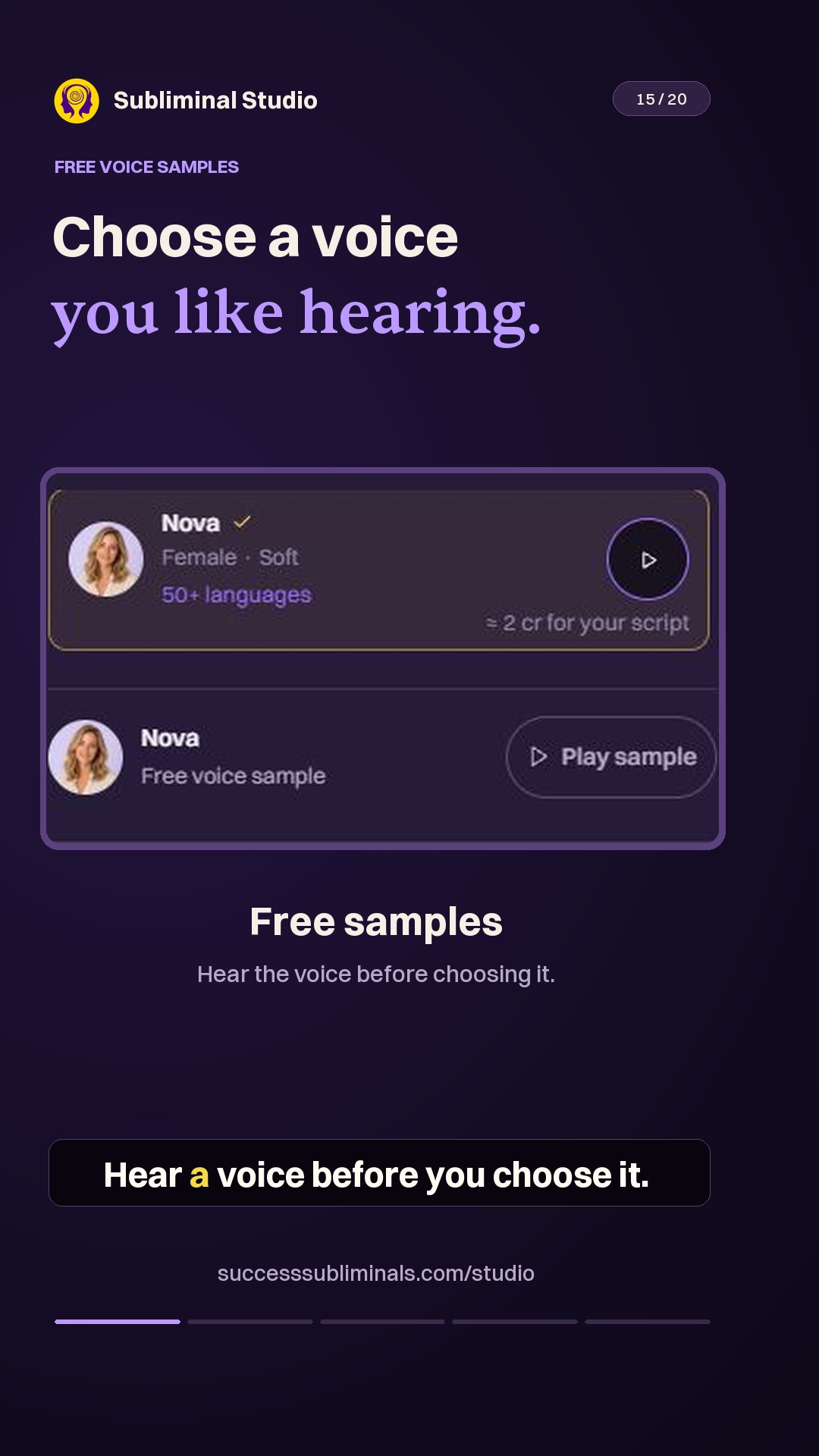 Preview a voice before choosing itVoices0:16
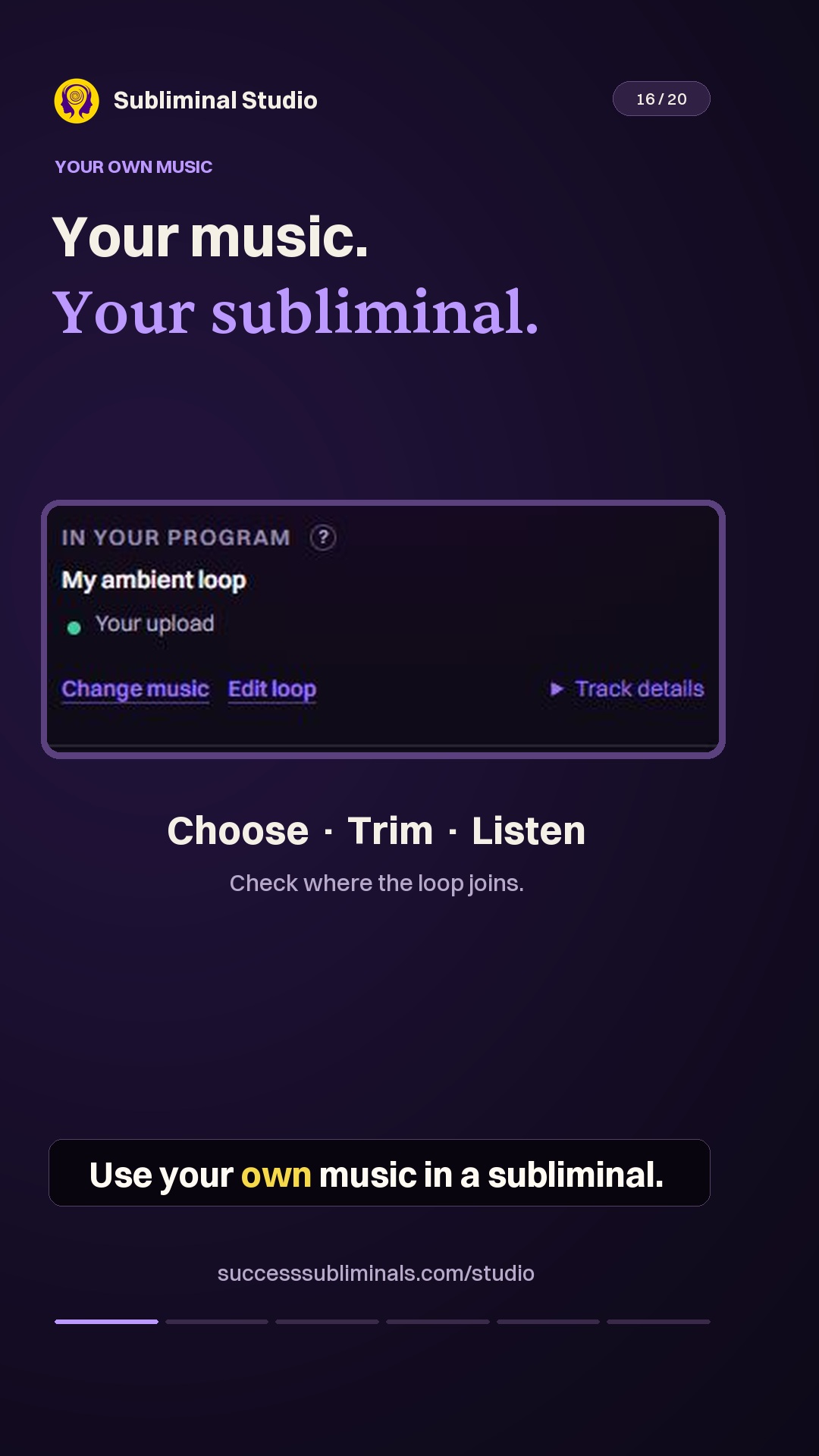 Use your own musicMusic0:19
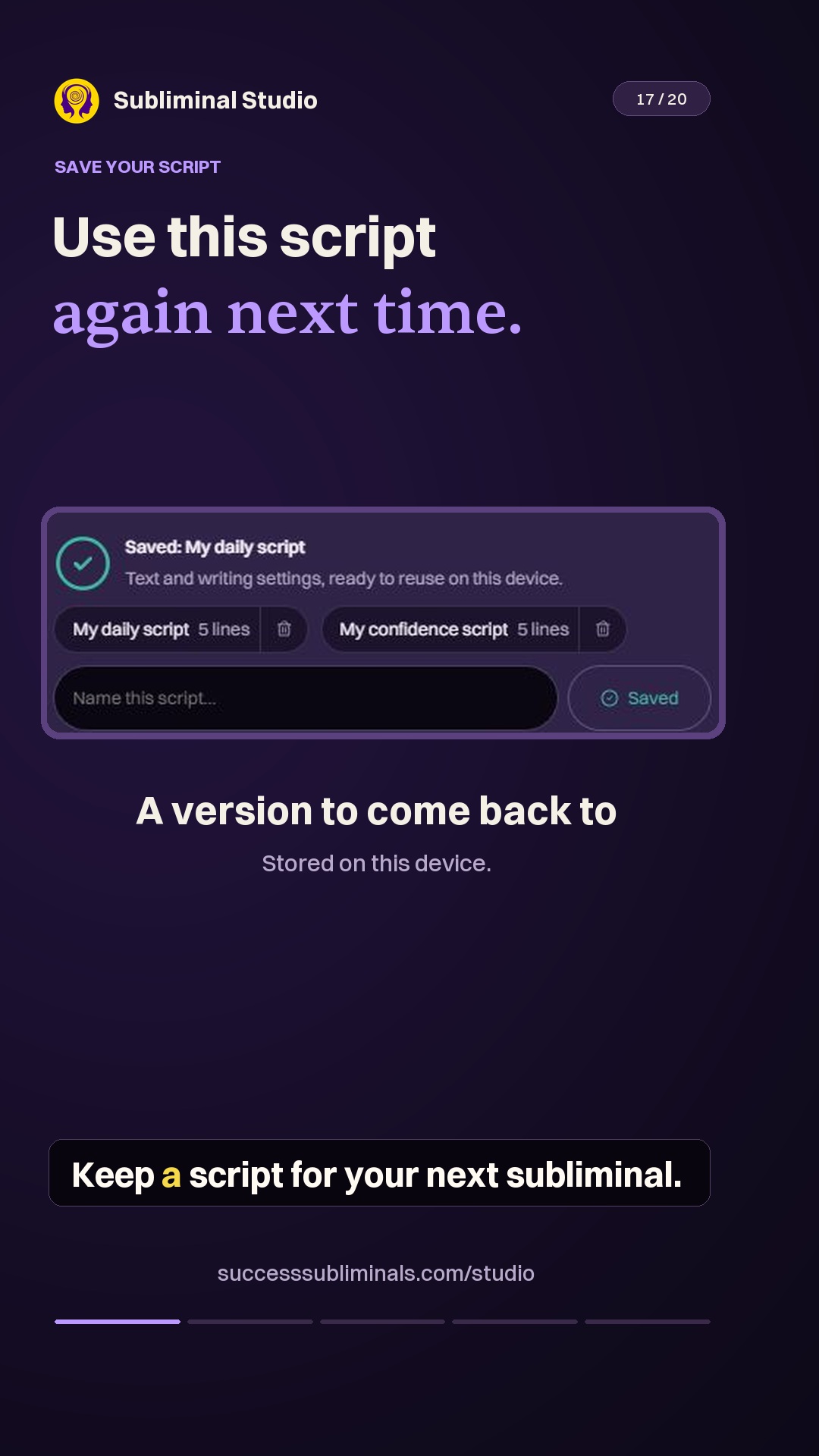 Save a script for next timeScript0:21
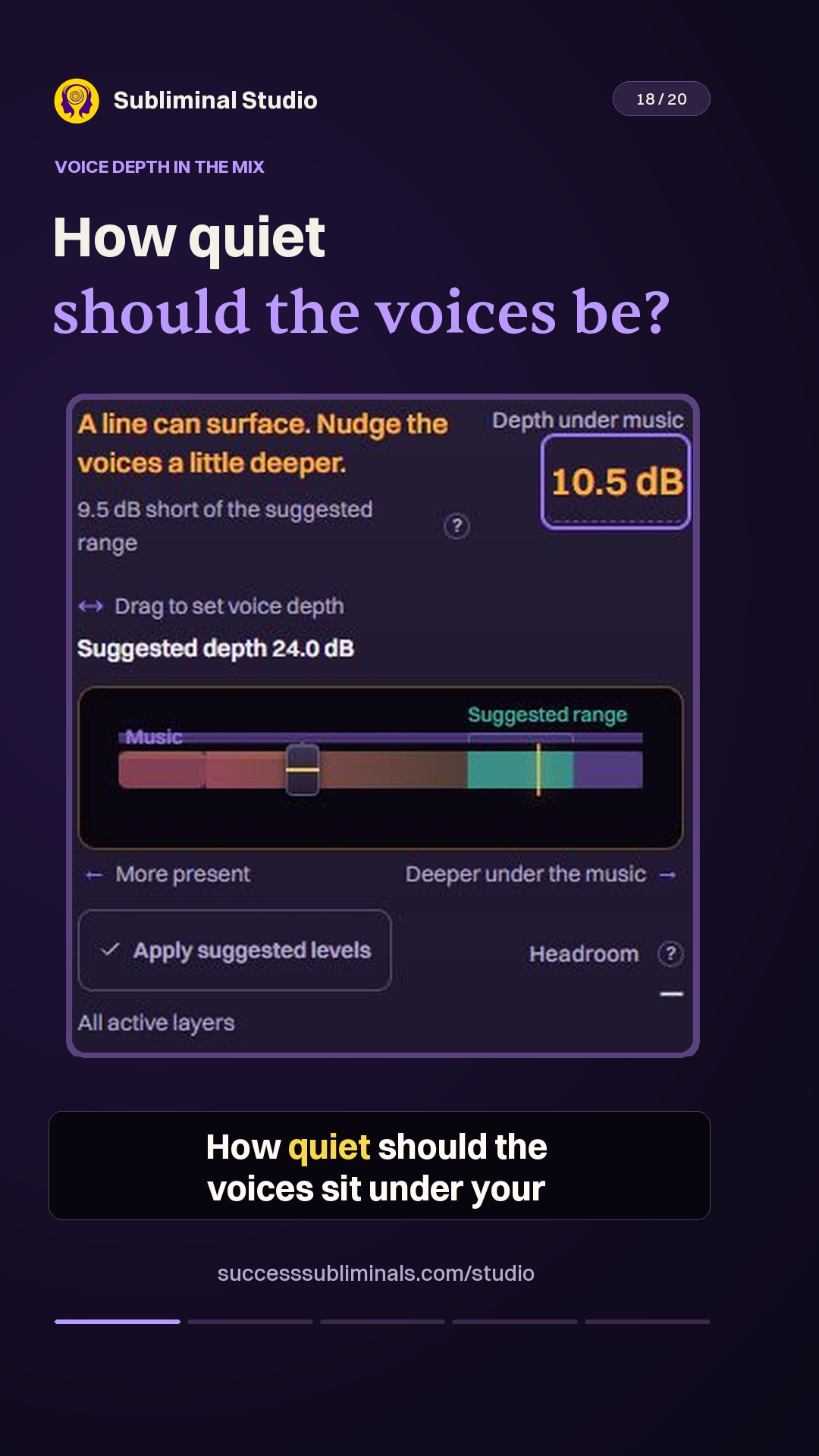 Balance the voices under musicMix0:16
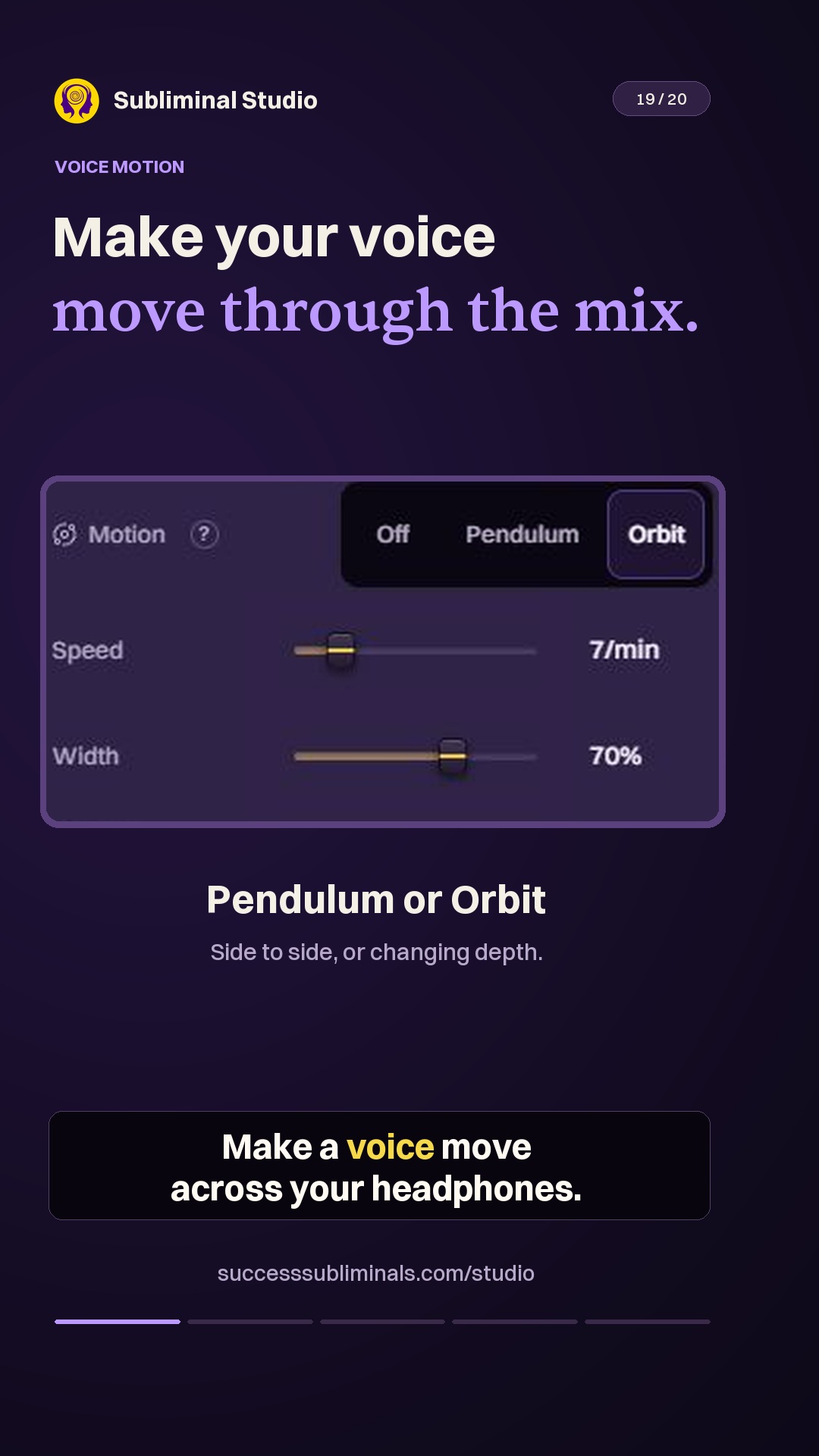 Add movement to your voicesVoices0:20
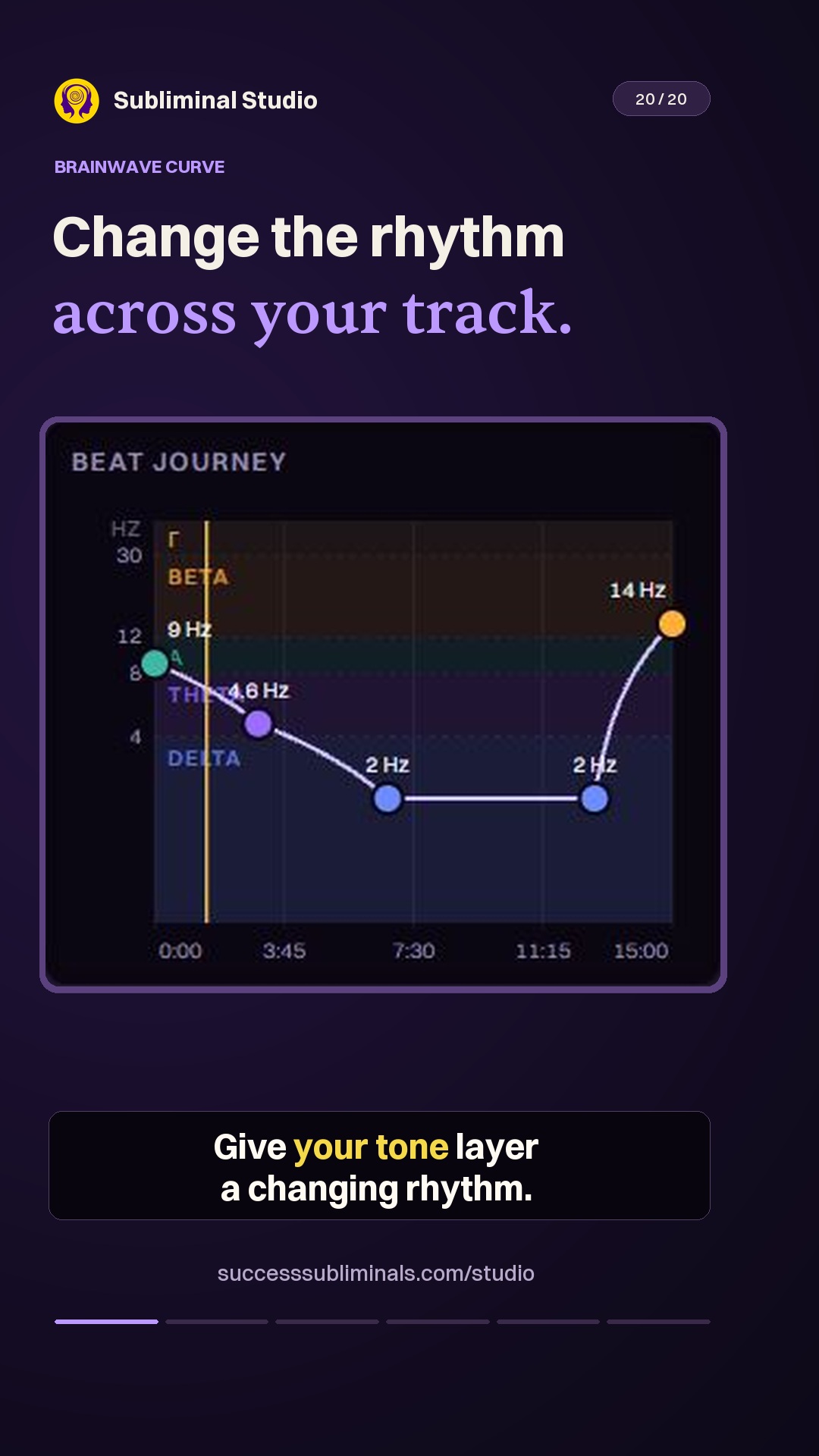 Shape a changing tone layerMix0:23